
Microsoft Copilot in 2026: Ultimate Guide to Agents, Features & Pricing
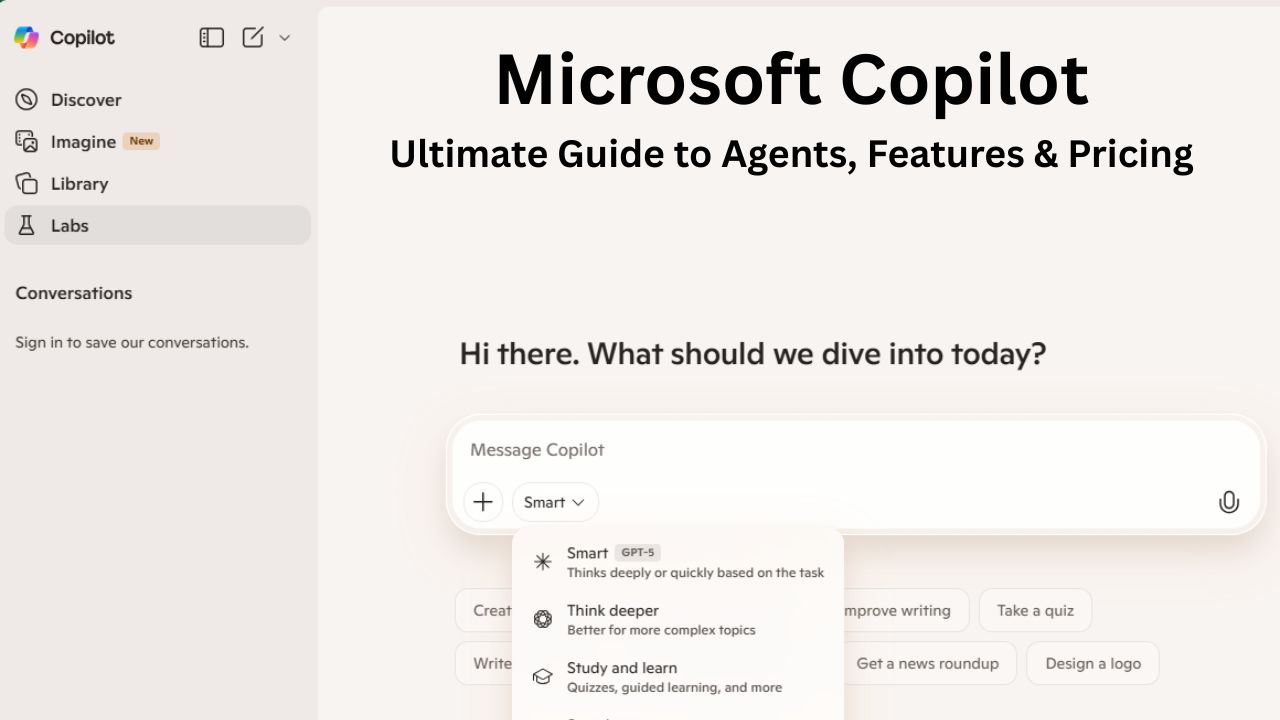
Is Microsoft Copilot just a smarter Clippy, or is it the new operating system for work? As we move through 2026, the answer is shifting from “assistant” to “agent.”
If you use Microsoft Copilot in India—or anywhere else—today, you’ve likely noticed the button appearing across your apps. But Microsoft Copilot is no longer just a chatbot that summarizes emails. It has evolved into an ecosystem of Agentic AI designed to accelerate writing, automate complex data analysis, and even act independently to manage workflows.
Here is your comprehensive guide to what Microsoft Copilot is, how it has evolved with GPT-5, and whether it’s worth the investment before the price changes in July 2026.
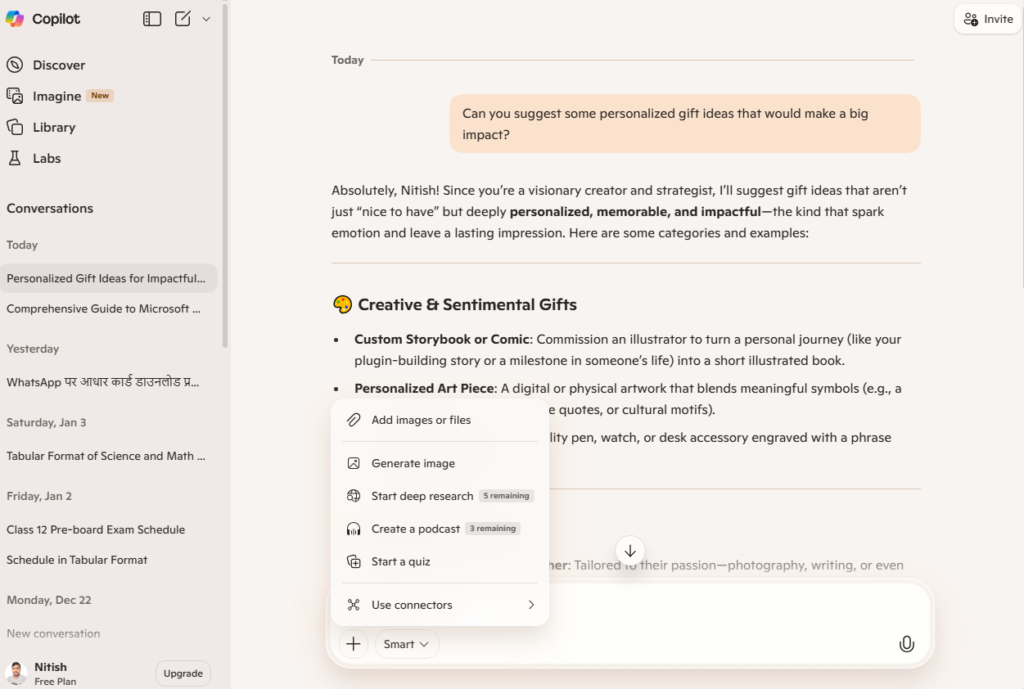
What is Microsoft Copilot?
At its core, Microsoft Copilot is an advanced AI assistant powered by Large Language Models (LLMs)—now running on GPT-5 class models—that integrates directly into Microsoft applications.
Unlike generic chatbots, Microsoft Copilot is grounded in your data. It uses the “Microsoft Graph” to understand the context of your emails, calendar, chats, and documents to provide relevant answers. It doesn’t just “chat”; it acts. It can generate content, answer questions, and perform tasks using the specific context of the file you are working on.
The Architecture: How It “Thinks”
To understand why Copilot is different from a standard web search, you have to look at the “Brain” behind it, often referred to as Work IQ.
- The Prompt: You ask a question in Word.
- Grounding: Copilot doesn’t send that question straight to the AI. First, it routes it through the Microsoft Graph—your secure universe of data. It looks up the specific meeting, email, or file you are referencing.
- The LLM: It combines your question with that found data and sends it to the LLM (Large Language Model) to generate a response.
- The Action: It takes the AI’s answer and translates it back into commands the app can understand—like “Insert a table” or “Create a slide.”
The 2026 Shift: From Chatbot to “Agentic AI”
While the original vision was an assistant you talked to, the 2025-2026 evolution has introduced Agents. These are autonomous sub-routines that can handle multi-step processes with minimal human supervision.
- Standard Copilot (2024 era): “Draft an email to the client.” You have to trigger it, review it, and send it.
- Copilot Agents (2026 era): “Monitor my inbox for invoices, match them to POs in SAP, and draft approval emails for any discrepancies.” The agent runs in the background, only alerting you when it hits a snag it can’t solve.
How to Start Using Microsoft Copilot: Your AI Companion
Getting started depends on where you work. Microsoft has embedded “Microsoft Copilot: Your AI companion” into nearly every surface of the ecosystem. Here is how to access it:
1. On Windows 11 (System-Level)
The operating system itself is now AI-aware.
- The Copilot Key: New PCs in 2026 feature a dedicated Copilot Key on the keyboard (to the right of the spacebar). One press opens the assistant instantly.
- Screen Awareness: Copilot on Windows can “see” your screen. You can ask, “Summarize this window,” even if the app you are looking at isn’t a Microsoft product.
- Settings Management: Instead of hunting through menus, just type “Turn on dark mode” or “Connect to the conference room Bluetooth.”
2. On the Web (Browser-Based)
- URL: Navigate to copilot.microsoft.com. This is your “Daily Briefing” hub.
- Edge Sidebar: Click the Copilot logo in the top-right corner of the Microsoft Edge browser. This version is perfect for research—it can summarize long PDFs or compare products on shopping sites instantly.
3. In Microsoft 365 Apps (Work Context)
- Word: Look for the Copilot icon floating in the margin when you click on a blank line. This is your “Drafting” engine.
- Excel: The Copilot button is on the far right of the Home tab. Note: Your data must be formatted as a Table (Ctrl+T) for it to work.
- Teams: Open Copilot from the top of any Chat or Meeting window to catch up on history.
4. On Mobile
- App: Download the dedicated Microsoft Copilot app (iOS/Android). It supports voice conversation mode—perfect for “talking out” an idea while driving.
- Integration: It is also embedded inside the standard Outlook and Teams mobile apps, allowing you to summarize long email threads with a single tap before you reply.
Key Features of Microsoft Copilot
Microsoft Copilot capabilities are segmented by the app you are using, but they all share a common brain.
1. Contextual Writing and Editing (Word & Outlook)
Microsoft Copilot acts as a ghostwriter inside your documents, but in 2026, it is far more nuanced than a simple text generator.
- Deep Drafting: You can reference up to 5 different files at once. “Write a proposal based on ‘Q3_Financials.xlsx’ and ‘Project_Alpha_Notes.docx’.”
- Vibe Writing: In 2026, Copilot can match your specific tone of voice. You can set a “Managerial” profile or a “Casual” profile, and it will adjust its vocabulary and sentence structure to sound like you.
- Document Transformation: It can take a text-heavy Word document and transform it into a visually appealing PowerPoint deck, selecting stock images and layout designs automatically.
2. Data Analysis (Excel)
Excel is where Microsoft Copilot has made the biggest leap, specifically for power users and analysts.
- Natural Language Formulas: Forget complex syntax; just ask, “Show me a pivot table of sales by region, highlighting the top 10%.”
- Python in Excel: This is the game-changer. Copilot can write and execute Python code directly within Excel (running on Azure containers). This allows for advanced machine learning forecasting, complex statistical regression, and “seaborn” style visualizations that native Excel can’t do.
- Trend Spotting: It highlights anomalies and trends in massive datasets. For example, it might spontaneously flag: “I noticed that shipping costs for the ‘Northeast’ region have spiked 15% this month compared to the rolling average.”
3. Meeting Intelligence (Teams)
Microsoft Copilot in Teams is arguably the biggest time-saver for remote and hybrid workers.
- Real-time Summaries: Joining a meeting 15 minutes late? Copilot sends you a private summary of what you missed so you don’t have to interrupt with “What are we talking about?”
- Facilitator Mode: The new Facilitator Agent participates in the meeting. It can track agenda items, nudge the group if time is running out (“We have 5 minutes left and 2 agenda items”), and identify unresolved questions.
- Sentiment Analysis: In private recaps, it can note, “The client seemed hesitant when pricing was mentioned,” helping you tailor your follow-up.
4. Security and Governance (Agent 365)
With the rise of agents, Microsoft introduced Agent 365—a control plane for IT admins.
- Governance: Admins can see exactly which agents are running, what data they access, and who authorized them.
- Data Boundaries: It ensures that an agent built by the Marketing team cannot accidentally pull data from the HR “Salaries” folder, even if it has the technical capability to do so.
Microsoft Copilot Pricing Plans (2026 Guide)
Understanding the cost of Microsoft Copilot can be complex because it depends on whether you are buying for yourself, a small business, or a large enterprise.
Critical Alert: Microsoft has announced a price increase for commercial base plans starting July 1, 2026. This adjustment reflects the immense value added by the new Agent capabilities and Python integration.
1. For Individuals & Families
Microsoft has simplified the “Copilot Pro” experience by bundling it into premium personal subscriptions.
| Plan Name | Price (approx.) | Best For | What’s Included |
|---|---|---|---|
| Microsoft Copilot (Free) | Free | Casual Users | Basic web access, text/image generation, standard speed. |
| Microsoft 365 Personal | $9.99 / mo | Solo Professionals | Includes Copilot in Word, Excel, PPT, Outlook + 1TB Storage. |
| Microsoft 365 Family | $12.99 / mo | Families (Up to 6) | Includes Copilot for the plan owner + 6TB total storage. |
2. For Business & Enterprise
For businesses, Copilot is usually an add-on to your existing Microsoft 365 subscription. The key differentiator here is data protection: commercial versions ensure your data is never used to train the public models.
- Microsoft 365 Copilot (Add-on): ~$30.00 / user / month
- Requires a base license (e.g., Business Standard, Business Premium, E3, E5).
- Includes Copilot Studio to build custom agents.
- Enterprise-grade data protection (your data is not used to train models).
Upcoming Base Plan Price Changes (Effective July 1, 2026)
While the Copilot add-on price remains stable, the base license required to use it is increasing. Organizations should lock in renewals before July.
| License Type | Current Price | New Price (July 2026) |
|---|---|---|
| Business Basic | ~$6.00 | ~$7.00 |
| Business Standard | ~$12.50 | ~$14.00 |
| Office 365 E3 | ~$23.00 | ~$26.00 |
| Microsoft 365 E3 | ~$36.00 | ~$39.00 |
| Microsoft 365 E5 | ~$57.00 | ~$60.00 |
3. For Security Teams
Microsoft Security Copilot uses a unique consumption-based model rather than a per-user fee. This allows SOC teams to spin up high-intensity compute for incident response without paying for idle time.
- Pricing Model: Pay-as-you-go based on “Security Compute Units” (SCUs).
- Rate: Approx. $4.00 per hour per provisioned SCU.
- Overage: Approx. $6.00 per hour for burst capacity.
For the latest official pricing and regional currency conversions (e.g., INR), visit Microsoft Learn.
Advantages vs. Trade-offs
The Advantages
- Productivity Uplift: Microsoft Copilot automates the “drudgery” of work. Early adopters in 2025 reported saving an average of 1.5 hours per week on email triage and meeting notes alone.
- Enterprise-Ready Security: Unlike consumer AI tools (like free ChatGPT), Copilot inherits your organization’s security, compliance, and privacy policies. If a document is marked “Confidential” in SharePoint, Copilot will respect that label and refuse to summarize it for unauthorized users.
- Specialization: With variants for Security, Sales, and Service, it speaks the specific language of different departments. A Sales agent knows what a “lead” is; a Security agent knows what a “DDoS attack” is.
Trade-offs and Risks
- Cost: It is a premium add-on. For a 1,000-person company, the $30/month fee adds $360,000 to the annual IT budget. With price hikes expected in July 2026, organizations must prove ROI to justify the expense.
- Accuracy (Hallucinations): Like all LLMs, Microsoft Copilot can make mistakes. It might invent a spreadsheet formula that looks correct but references the wrong column. Outputs—especially in financial or legal contexts—must be reviewed by a human.
- Data Governance (“The Oversharing Problem”): This is the biggest risk for new deployments. If your internal permissions are messy (e.g., everyone has access to the CEO’s salary file because it was dropped in a “Public” folder), Microsoft Copilot will surface that data to anyone who asks. It is an efficient machine for finding your security gaps.
Recommendation for 2026
If your organization relies on Microsoft 365 daily, Microsoft Copilot is no longer just a “nice to have”—it is becoming a competitive necessity. The ability to deploy autonomous agents will likely separate high-performing organizations from those bogged down in admin tasks.
Our Advice:
- Start with a Pilot: Do not roll this out to 100% of staff on Day 1. Pick a small team (e.g., 5-10 users in Finance or Marketing) to measure actual time savings and define use cases.
- Fix Your Data (The “Crawl” Phase): Before enabling Microsoft Copilot, you must audit your SharePoint and OneDrive permissions. Use the “Semantic Index” tools to see what data is exposed.
- Lock in Pricing: With pricing changes coming in mid-2026, consider signing multi-year agreements now to protect your budget for the next 12-24 months.
For more technical details, check out the official Microsoft Copilot Blog.